A printable Wi-Fi sign guests can scan in seconds.
Give guests an effortless way to connect. Make a Wi-Fi sign that feels at home in your space, ready to print in minutes.
Create your sign Preview free · One-time $9 for print files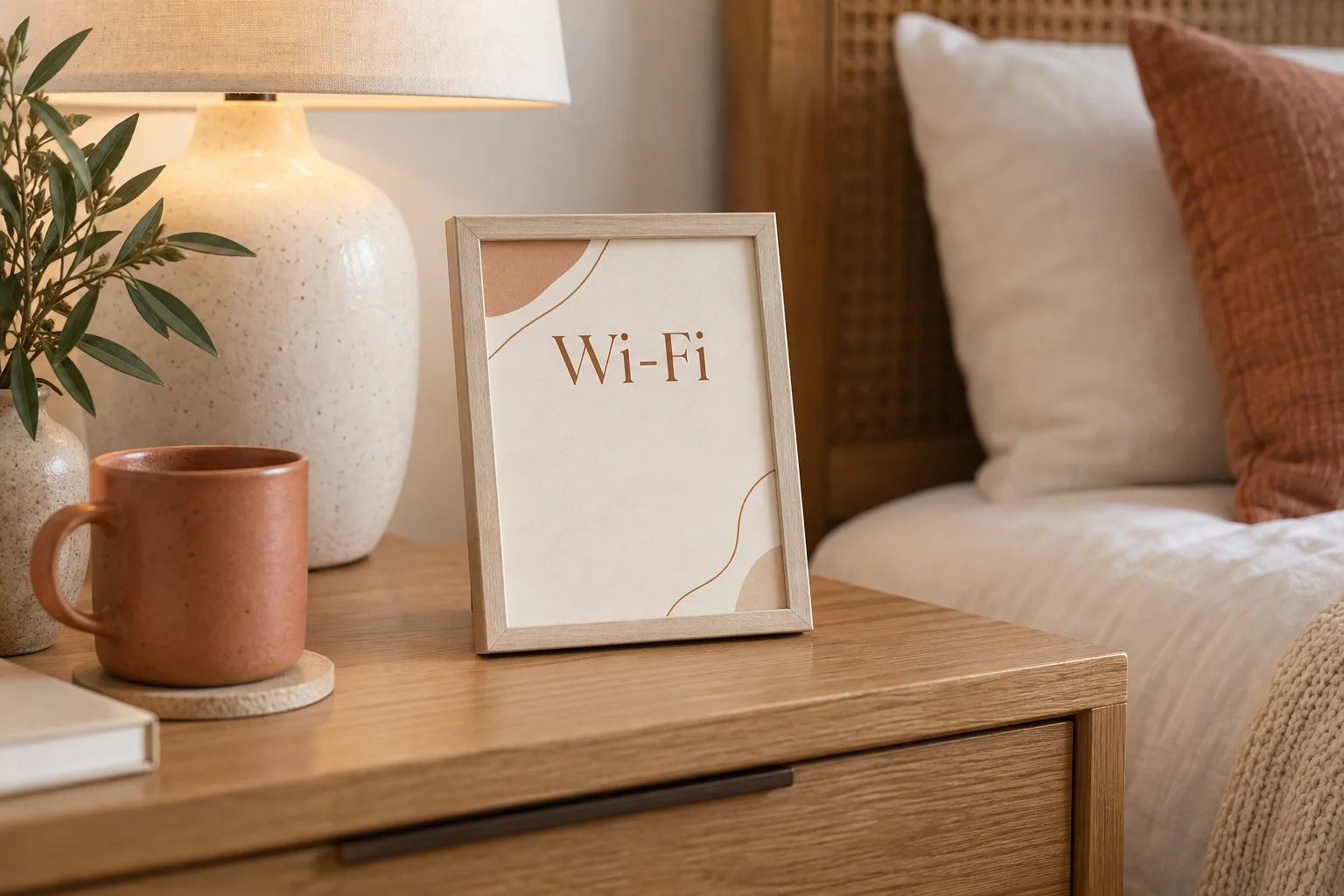
A detail guests notice.
No searching for a password in a message. Your guests scan a sign designed for the room and connect in seconds.
Make your guest sign
Make it yours below. The preview updates as you type.
Start with the network your guests will use.
Your Wi-Fi details stay in this browser. They are never sent to checkout.
Your backup includes the Wi-Fi password; keep it private. A backup restores your draft; purchase access is verified separately.
Secure checkout by Stripe for HostSigns. One purchase unlocks this site's reusable sign designs.
Showing sample content until your details are complete.
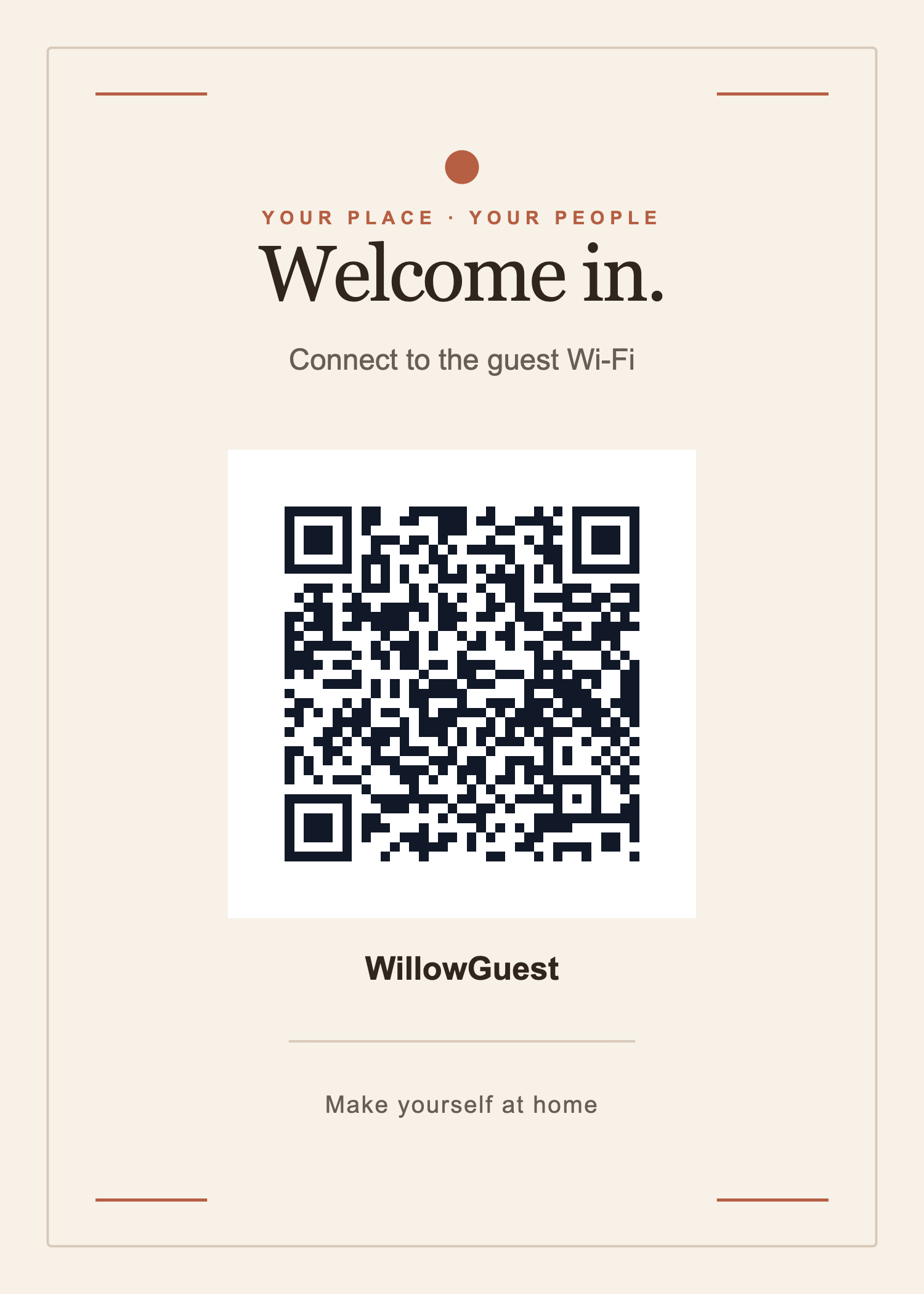
See the print file before you make yours.
This WillowGuest sign was exported after a Stripe test purchase. Its Wi-Fi details are fictional. Open the three-sign pack to see all the layouts included.
Three small steps.
Add your details
Enter your guest network once.
Make it yours
Choose a style and check the live preview.
Print and place
Download the files and print at home or a local shop.
Prepare the details before you buy.
How to make a Wi-Fi QR code sign for guests. Use the checklist and inspect the complete sample first.